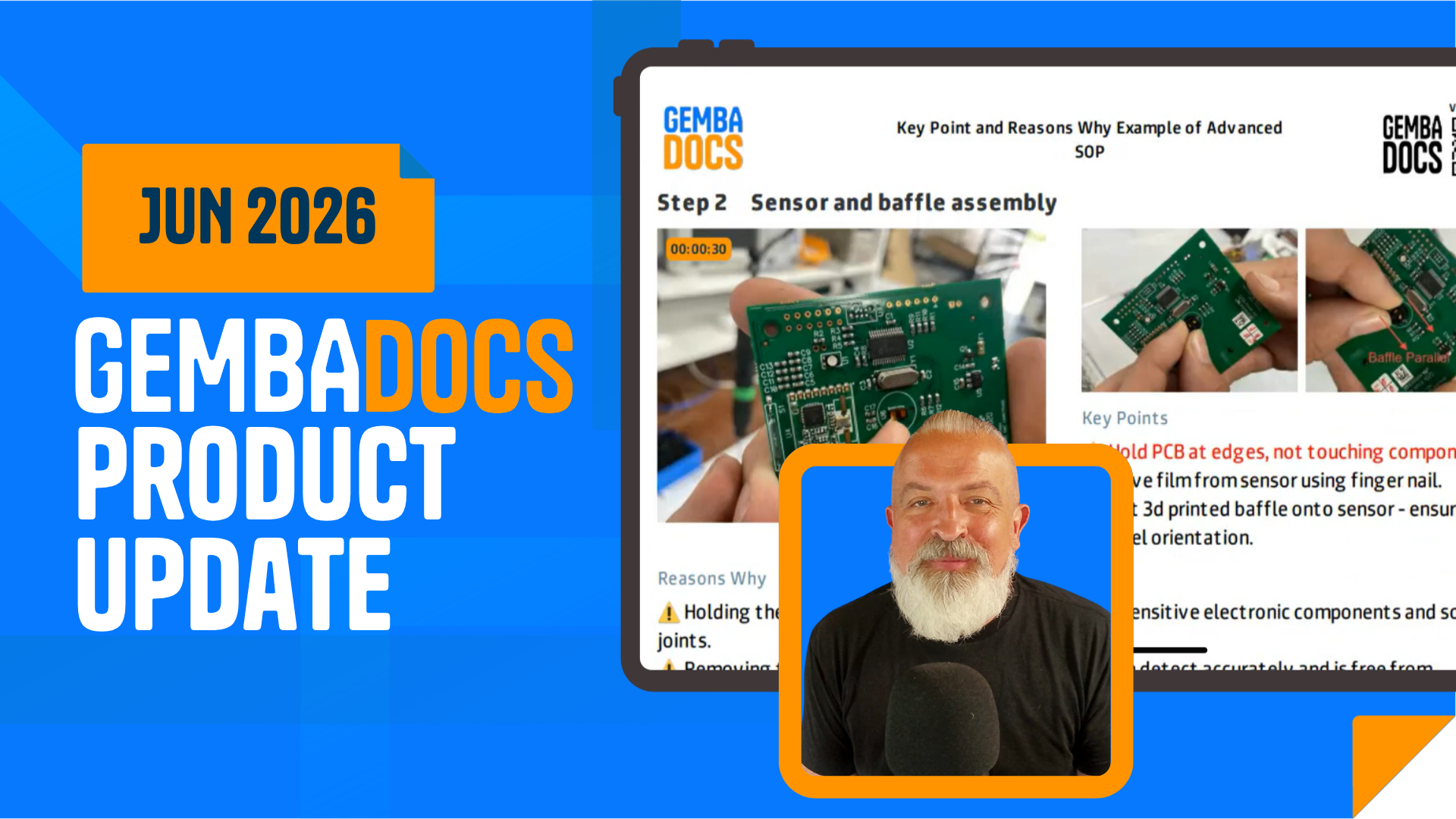
If you need to document a physical process on the shop floor, the Video SOP feature in the GembaDocs mobile app is the fastest way to do it. You record yourself doing the task, narrate as you go, and the AI turns your recording into a structured, step-by-step SOP automatically.
Step 1: Start a New Video SOP
Open the app and tap the SOP tab.
Tap the plus button in the bottom right corner. You’ll see three options — select Video SOP.
Step 2: Record Your Process
Once recording starts, the timer at the top turns red. You’ll hear loud beeps just before it begins, so you know when to start.
Talk through every action as you do it. The AI uses your narration to identify where one step ends and the next begins.
Use clear transition phrases like:
- “First, I’ll…”
- “Now I’m selecting…”
- “The next step is…”
This makes it easier for the AI to split the recording into clean, separate steps.
Step 3: Finish and Review Your Editing Options
When you stop recording, you get two editing options before the video uploads:
- Trim the start or end if there’s anything you don’t want included
- Add blur to any part of the video that contains confidential or sensitive information
Once you’re happy, the video uploads to the cloud for processing. The system generates thumbnails and splits the recording into steps. This takes a moment.
Step 4: Edit the SOP
When processing is complete, you’ll land on the editing screen. Here you can:
- Edit the video clip for any step
- Change the thumbnail image used to represent a step
- Edit the AI-generated step descriptions if you want to adjust the wording
- Open any thumbnail to annotate it — add arrows, highlights, or notes to make the step clearer
Step 5: Save and Share
When everything looks right, save the SOP.
The finished SOP plays full screen on mobile. Each step shows the video alongside the step description. If someone needs to replay a step, they tap the video and it jumps back to the exact moment that step begins.
What You Get When It’s Done
Your video SOP is available in formats:
- Step-by-step view in the app
- Shareable link you can send to anyone
- Printable SOP with all steps laid out
- Deployable via a QR code posted at the workstation
When to Use This Feature
This works best for short, physical processes where seeing the motion matters — assembly steps, machine setups, quality checks, changeovers. If your operators learn better by watching than reading, this is the format to use.
It’s also a practical way to capture tribal knowledge from experienced operators before it walks out the door.